


Published by GFXToolz AI | Last updated: March 2026
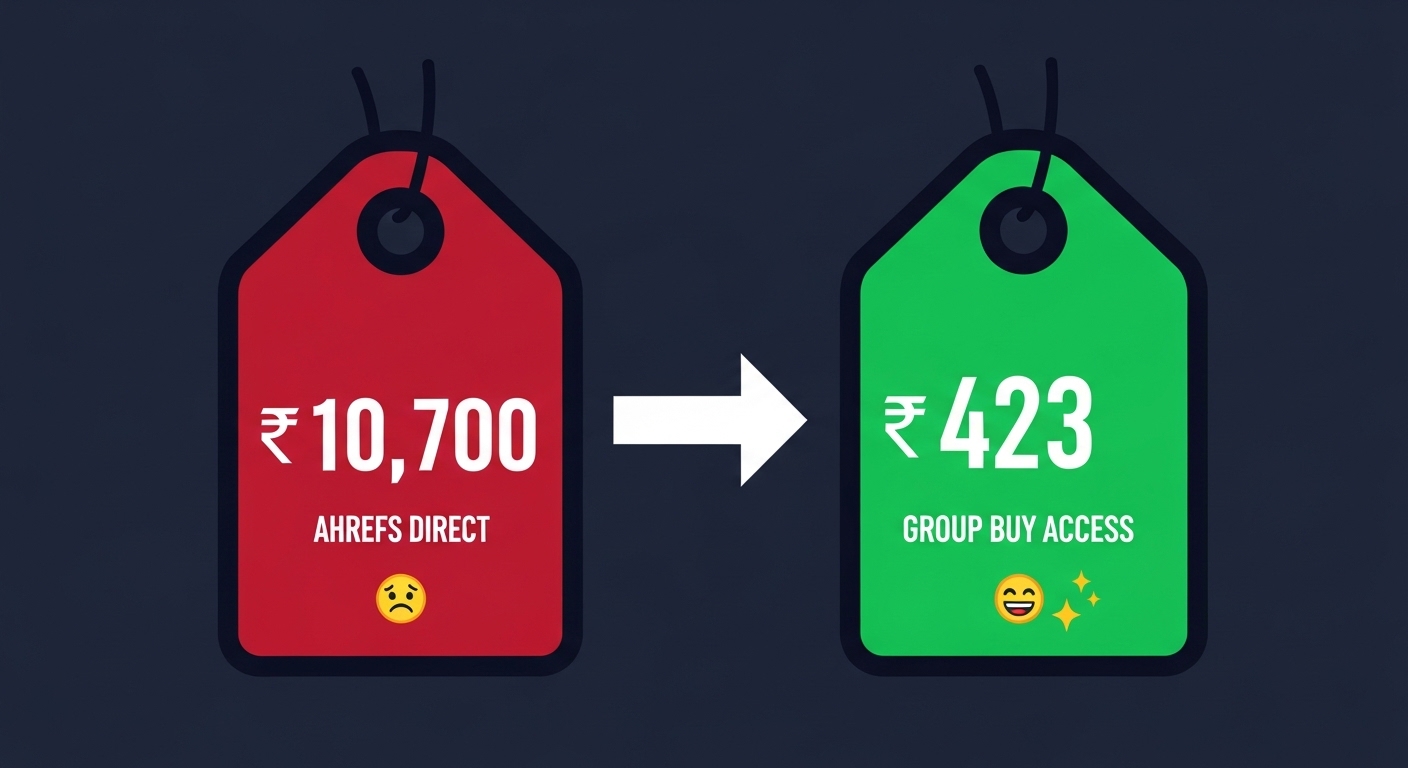
Ahrefs is the most powerful SEO tool in the market. It’s also one of the most expensive. The Lite plan runs ₹10,700/month. Standard is ₹20,750/month. For most Indian freelancers, that’s more than rent.
That’s why “ahrefs group buy” is one of the most searched terms in the Indian SEO tools space. People want Ahrefs data without the Ahrefs price tag. This guide shows you how to get it, and more importantly, how to use it once you have access.
Three things covered: how to access Ahrefs affordably in 2026 (including an honest comparison with the Starter plan), the five core Ahrefs workflows every SEO professional should know, and practical tips for getting the most from shared access.
Ahrefs pricing in 2026: why group buy exists
| Plan | Monthly cost (USD) | Monthly cost (INR) | Credits/month |
|---|---|---|---|
| Starter | $29 | ₹2,420 | 100 |
| Lite | $129 | ₹10,700 | 500 |
| Standard | $249 | ₹20,750 | Unlimited |
| Advanced | $449 | ₹37,400 | Unlimited |
The credit system is the detail that makes Starter less useful than it looks. Every report you run — every keyword lookup, every backlink report, every competitor analysis — costs one credit. At 100 credits per month, a freelancer with three active clients can blow through the entire allocation in a week of serious research. Run a Content Gap analysis (pulls dozens of keywords), do a backlink audit for a new client, check competitor rankings — that’s 40–60 credits in one morning.
Group buy gives you Standard plan access — unlimited credits — for ₹423–₹846/month through platforms like GFXToolz. ₹2,420/month for 100 credits versus ₹423/month for unlimited Standard access. That gap is why tens of thousands of Indian SEO professionals use group buy Ahrefs access every month.
How to access Ahrefs through group buy
How it works
A group buy provider purchases a Standard or Advanced Ahrefs subscription and distributes access to multiple users through a browser extension — not through shared login credentials.
The flow from your end:
- Sign up with a group buy provider
- Install their Chrome extension
- Log into the provider’s dashboard
- Click the Ahrefs icon
- The extension handles authentication in the background
- Ahrefs opens in your browser and works normally
You never see the provider’s login details. The extension manages the session without exposing credentials. Some providers apply daily usage limits — typically 15–50 reports per day depending on plan tier — to distribute fair access across their user base.
Where to get Ahrefs group buy in 2026
| Provider | Price | Other tools included | Trustpilot | Best for |
|---|---|---|---|---|
| GFXToolz Basic | ₹423/mo | 100+ tools + AI Studio | ~4.0/5 | Best overall value |
| GFXToolz Premium | ₹846/mo | 146+ tools + full AI | ~4.0/5 | Full toolkit |
| NoxTools | ₹249/mo | 50+ tools | 4.5–4.7/5 | Budget INR option |
| Toolsurf | $3/mo (Ahrefs only) | Bundles from $19.99 | 3.9–4.1/5 | Cheapest Ahrefs-only |
| SupremSEO | $14–$49/mo | 30–40 tools | Not prominently rated | Highest credit tiers |
GFXToolz at ₹423/month makes the most sense if you need more than just Ahrefs. You get Ahrefs, SEMrush, Moz, Canva Pro, Grammarly, 40+ AI generation models, and 100 other tools. For an Indian freelancer running a full client workflow across SEO, design, and content, this is the relevant starting point.
Toolsurf at $3/month for Ahrefs alone is the cheapest option if Ahrefs is literally the only tool you need. Narrow use case, but real.
SupremSEO offers the highest per-user credit limits on their upper tiers ($29–$49/month), which matters if you’re doing very high-volume research and hitting daily limits elsewhere.
When Ahrefs detects unusual concurrent usage and terminates the shared account, the provider sets up a new one. Good providers do this within hours. Less reliable ones take days. Account management is entirely on their side — you just wait.
Group buy vs Ahrefs $29 Starter plan
This comparison usually gets skipped or done lazily. Here it is properly.
| Feature | Group buy (Standard access) | Ahrefs Starter ($29/mo) |
|---|---|---|
| Monthly credits | Unlimited | 100 |
| Projects | Multiple | 1 |
| Keywords tracked | Up to 2,000 | 100 |
| Crawl credits | 500K+ | 5,000 |
| Historical data | Full | 1 month only |
| Content Explorer | Full access | Limited |
| Batch Analysis | Yes | No |
| Content Gap | Yes | No |
| Price | ₹423/mo (GFXToolz) | ₹2,420/mo |
| Uptime guarantee | ~95–99% | 100% |
| ToS compliance | Violates ToS | Compliant |
| Account ownership | Shared | Personal |
| Additional tools | 100+ included | Ahrefs only |
The Starter plan has two real advantages: it’s fully compliant with Ahrefs’ terms and uptime is guaranteed. You won’t lose access because a shared account got flagged.
Group buy Standard access has the rest: unlimited credits, full feature set, multiple projects, complete historical data, Content Gap, Batch Analysis, and 100+ other tools in the same subscription at a lower price.
For occasional use — checking a handful of keywords weekly, one personal website — Ahrefs Starter at ₹2,420/month is clean, reliable, and compliant. If you’re in Ahrefs once or twice a week, 100 credits is enough.
For daily professional use — multiple clients, regular competitor research, content gap analysis, ongoing rank tracking — group buy Standard gives you 10x the capability at roughly one-fifth the cost. The 100-credit ceiling on Starter becomes an obstacle within days of serious use. For Indian freelancers who need Ahrefs AND SEMrush AND Canva AND AI tools, paying ₹2,420/month for Starter plus additional subscriptions for everything else doesn’t make practical sense.
How to use Ahrefs effectively (5 workflows)
Having access doesn’t mean much if you don’t know what to run. These five workflows cover the highest-value use cases for freelancers and bloggers. They work whether you’re on a group buy platform or a direct subscription.
Workflow 1: competitor backlink audit (Site Explorer)
Run this for every new SEO client and for your own website. Understanding who links to your competitors tells you exactly where to get links for yourself.
- Enter a competitor’s domain in Site Explorer
- Navigate to the Backlinks report (left sidebar)
- Sort by Domain Rating (DR) descending to see the strongest links first
- Export the top 50 referring domains
- Cross-reference with your own backlink profile — sites linking to your competitor but not to you are outreach targets
Apply two filters before exporting: “Link type: dofollow” (nofollow links pass less authority) and sort by “First seen” to find recently acquired links. Recent links show where competitors are actively building right now, which is more actionable than their historical link profile.
Total time: 15–20 minutes. Output: a prioritised list of specific websites that have already demonstrated willingness to link to content in your niche.
Workflow 2: low-competition keyword research (Keywords Explorer)
This is the workflow most beginners need first. Finding keywords you can actually rank for is more valuable than finding popular ones you can’t.
- Enter your seed keyword in Keywords Explorer
- Go to “Matching terms” for variations, or “Questions” for informational keywords (useful for blog content)
- Filter Keyword Difficulty: 0–20 for new sites, 0–30 for sites with some authority
- Set minimum Volume to 100 (skip keywords nobody searches) and maximum to 5,000 (avoid head keywords you can’t rank for yet)
- Sort by Volume descending, export the top 30
Also rank for report: underused by most beginners. Enter a competitor’s top-ranking page URL, go to “Also rank for,” and Ahrefs shows every other keyword that page ranks for. These are proven, rankable keywords — Google has already decided this content earns rankings for these terms.
India-specific tip: Run your seed keyword, then filter results by location: India. “Group buy seo tools” filtered to India shows you the specific search volumes Indian users generate, which is often very different from global numbers.
Workflow 3: content gap analysis
Content Gap answers a specific question: what keywords do my competitors rank for that I don’t? It’s one of Ahrefs’ most powerful features and consistently underused by beginners.
- Enter your domain in Site Explorer
- Click “Content Gap” in the left sidebar
- Add 2–3 competitor domains in the comparison boxes
- Click “Show keywords”
- Filter KD under 30 and Volume above 100, export
The output is a list of keywords your competitors are ranking for where you have no content. Google is already directing traffic in your niche for these terms — someone is capturing it. For a content strategy meeting with a new client, this single report can fill a three-month editorial calendar.
Workflow 4: site audit (technical SEO)
Site Audit crawls your website and surfaces technical issues hurting rankings. Most useful when onboarding a new client or diagnosing a traffic drop.
- Add your website as a project in Ahrefs. On group buy, use this for client sites you’re actively working on — don’t run simultaneous audits across multiple unrelated domains, as this can trigger usage flags
- Run the Site Audit crawler, set crawl depth to match your site size
- Review the Health Score percentage and the Issues list
- Prioritise in this order: Errors first (critical), Warnings second (important), Notices last (low priority)
- Common issues to fix immediately: broken internal links (404 errors), missing meta descriptions, duplicate title tags, pages blocked by robots.txt that shouldn’t be, slow Core Web Vitals scores
- Re-crawl monthly to track improvement
Group buy note: Crawl credits may be limited depending on your provider’s plan configuration. For large sites (10,000+ pages), ask your provider about crawl capacity before running a full audit. For most Indian freelancer clients — small business websites, 50–500 pages — standard group buy crawl limits are sufficient.
Workflow 5: rank tracking
Rank Tracker monitors how target keywords move in search results over time. Without it, you don’t know whether your SEO work is having any effect.
- Add your target keywords to Rank Tracker — start with 20–50 keywords you’ve specifically optimised for
- Set location to India (or a specific city if the client is local)
- Set tracking frequency to weekly — daily is available but weekly is sufficient for most use cases
- After two to four weeks of data, identify patterns: keywords moving into positions 1–10 (double down on this content), keywords stuck at positions 11–20 (close — improve the content and build links), keywords dropping (investigate for technical issues or algorithm changes)
- Track desktop and mobile rankings separately. In India, 70%+ of search traffic is mobile. A page ranking #3 on desktop but #15 on mobile is a mobile optimisation problem worth addressing
Export your rank tracking data weekly. Don’t rely on dashboard history being available long-term in a shared environment.
Tips for getting the most from Ahrefs on group buy
Batch your research sessions
Don’t pop into Ahrefs for five minutes three times a day. Set aside one focused session for keyword research, one for competitor analysis, one for audits. This respects daily usage limits and produces more coherent output anyway.
Export everything immediately
The moment you generate a report worth keeping — a backlink export, a keyword list, a Content Gap result — download it. Don’t assume you can come back tomorrow and pick up where you left off. Data saved inside a shared account environment is not guaranteed to persist.
Prioritise Content Gap and Keywords Explorer
These two features give the highest return for time invested. A Content Gap analysis for a new client takes 15 minutes and produces a content strategy. A keyword research session using Keywords Explorer with proper filtering takes 30 minutes and fills a month’s editorial calendar.
Run resource-heavy tasks early
Site Audits and large exports consume more resources. If access feels slow, try early morning IST (6–8 AM) when fewer users are active on the shared platform.
Combine Ahrefs with Google Search Console
Ahrefs tells you about competitors and the overall keyword universe. Google Search Console tells you specifically about your own site — which queries bring impressions, which pages rank, where you’re losing clicks. Use both together. GSC is free and gives you data no group buy tool can replicate.
Ahrefs features unavailable through group buy
Some Ahrefs capabilities aren’t available through any group buy platform:
API access: Requires Ahrefs Enterprise-level access. Used for pulling data programmatically into dashboards or automated reporting. Not available through group buy.
Ahrefs MCP integration: Ahrefs has an MCP (Model Context Protocol) layer that lets AI tools like Claude or ChatGPT pull live Ahrefs data. Only available on direct subscriptions.
Saved project history: In a shared environment, saved projects and historical tracking may not persist the way they would on a personal account. Export your data rather than relying on cloud saves.
Brand Radar and paid add-ons: Some premium Ahrefs features are add-on purchases above the Standard plan. Not part of standard group buy access.
Guaranteed uptime: If availability is non-negotiable — agency reporting to enterprise clients, automated reporting pipelines — a direct subscription is the only option with a 100% availability guarantee.
For most Indian freelancers and small agencies, none of these affect daily work. For larger operations with automated reporting or enterprise clients, the direct subscription cost becomes justified.
FAQ
Is Ahrefs group buy safe in 2026? For the end user, yes. Browser extension-based access doesn’t expose your personal credentials or browsing data. The main risk is temporary downtime when Ahrefs detects and terminates the shared account. Established providers with good track records typically restore access within hours. Your personal data and identity aren’t involved — the risk is access disruption, not account banning.
Should I get Ahrefs Starter ($29) or group buy? Ahrefs Starter at ₹2,420/month gives you 100 credits, 1 project, and 100% uptime with full ToS compliance. Group buy Standard access through GFXToolz gives you unlimited credits, multiple projects, full historical data, Content Gap, Batch Analysis, and 100+ other tools for ₹423/month. For occasional light use, Starter is the cleaner option. For daily professional use across multiple clients, group buy gives significantly more capability at lower cost.
What Ahrefs features are available through group buy? Through Standard plan group buy access: Site Explorer (full backlink analysis), Keywords Explorer (complete keyword research), Site Audit (technical SEO), Rank Tracker, Content Explorer, Content Gap, and Batch Analysis. Not available: API access, Ahrefs MCP integration, custom Brand Radar, and some export volumes may be limited depending on provider.
How many Ahrefs credits do I get through group buy? Standard plan group buy access has no credit ceiling — credits are unlimited. This is the main practical advantage over Starter’s 100/month hard cap. Some providers apply their own daily usage limits (15–50 reports/day) to manage fair access, but this is less restrictive than Starter’s monthly cap.
Which group buy provider has the best Ahrefs access? For best overall value (Ahrefs + 100 tools + AI generation): GFXToolz at ₹423/month. For cheapest Ahrefs-only option: Toolsurf at $3/month. For highest credit limits on Ahrefs specifically: SupremSEO at their $29/month Standard tier. All three provide Standard plan feature access through browser extension.
Does Ahrefs ban users who access through group buy? Ahrefs terminates shared accounts, not individual end users. You don’t have a personal Ahrefs account that can be flagged. If the provider’s master account gets detected, you temporarily lose access while they set up a replacement. Your browser, your IP, and your identity are not affected.
The bottom line
For casual use — a few keyword checks a week, one personal website — Ahrefs Starter at $29/month is clean, compliant, and the 100 credits is enough. No extension to install, no shared account risk, full ToS compliance. Worth considering.
For daily professional work across multiple clients, the 100-credit ceiling becomes an obstacle fast. Group buy Standard access through GFXToolz at ₹423/month gives you unlimited Ahrefs plus 100 other tools plus AI generation. That’s a different calculation.
Agencies with enterprise clients and SLA requirements should be on a direct subscription. Guaranteed uptime and ToS compliance matter at that level in a way that a few hundred rupees per month difference doesn’t.
Access Ahrefs plus 100+ tools starting free at gfxtoolz.ai.
Also read:
- How to Do Keyword Research in 2026: Complete Beginner Guide
- Best Affordable SEO Tools Under ₹500/Month in India
- Best Group Buy SEO Tools in 2026: Top 10 Providers Ranked

Leave a Comment