


Published by GFXToolz AI | Last updated: March 2026
Most people talk about Kling or Sora when it comes to AI video.
But there’s another model quietly becoming really useful — Wan 2.2 AI video.
What makes it interesting is that it’s not just for cinematic clips. With the Wan AI video generator GFXToolz, you can train a visual style using a small set of images, create videos with built-in effects like fire, smoke, and particles, and even animate still characters or mascot-style visuals with much better consistency.
That makes it especially useful for creators who need more than just “good-looking video.” If you’re making branded content, animated explainers, or repeat-style social videos, Wan can do things most tools still struggle with.
In this Wan 2.2 guide 2026, I’ll break down what makes it different, where it works best, and when it actually makes more sense than other popular models.
I’ll also cover the practical side of Wan vs Kling AI video, because both are powerful — but they’re clearly built for different kinds of creators and content.
If you’re exploring Wan AI video India 2026 tools for social media, branding, or creative content, this guide will help you understand whether it fits your workflow.
By the end, you’ll know how to use Wan 2.2 AI video on GFXToolz with ready-to-copy prompts for the kinds of videos Indian creators actually need.
What Wan 2.2 AI Video Actually Is
Wan is an AI video generation model built by Alibaba Cloud’s research team. Version 2.2 introduced 1080p output, LoRA style training, and built-in visual effects. Unlike Kling or Sora, Wan is open-source under the Apache 2.0 licence — meaning the community contributes improvements, custom models, and style libraries continuously.
Wan uses a Mixture-of-Experts (MoE) architecture. Rather than running every generation through the same compute path, the model routes different parts of the task to specialised sub-networks. The result in practice: faster generation without a quality tradeoff.
Core capabilities:
- Text-to-video: describe a scene, get a video
- Image-to-video: upload a photo, Wan animates it with realistic or stylised motion
- Motion transfer: upload a reference video showing movement, Wan applies that motion to your character
- LoRA style training: teach the model your brand’s visual style with 10–20 reference images
- Built-in VFX: fire, smoke, particles, glow, global illumination — no post-production software
Recent versions: Wan 2.6 added native audio sync — video and audio generate together in one pass. Wan 2.7 (2026) expanded to 15-second clips at 1080p with improved temporal coherence (smoother motion across longer clips without drift).
Why this matters for Indian creators: Wan’s open-source status means it runs on multiple cloud platforms at lower price points than closed competitors like Kling or Sora. It also means community contributions — including LoRA models trained on Indian visual styles, festival aesthetics, and regional content formats — are being shared and developed continuously.
GFXToolz AI Studio includes Wan 2.2 alongside Kling 2.5, Nano Banana Pro, and Flux 2. Both video models are accessible from the same model selector in AI Studio.
Wan 2.2 vs Kling 2.5: when to use each
| Feature | Wan 2.2 | Kling 2.5 |
|---|---|---|
| Philosophy | AI production system — efficiency, customisation, artistic flexibility | AI cinematographer — cinematic realism, professional camera control |
| Best output style | Animated, stylised, artistic, 2D/3D hybrid, Ghibli-style, abstract, branded | Photorealistic, cinematic, commercial, professional live-action |
| Custom style (LoRA) | Yes — train with 10–20 images, blend styles with sliders | No LoRA — Elements system for character consistency only |
| Built-in VFX | Yes — fire, smoke, particles, glow, global illumination | Limited — relies on prompt-based effects |
| Motion transfer | Yes — upload reference video, apply motion to your character | No direct motion transfer |
| Audio | Wan 2.6+: native audio, lip-sync, SFX in one pass | Kling 2.6+: native audio, dialogue, ambient sound |
| Max duration | Up to 15 seconds (Wan 2.7) | Up to 3 minutes (with extension) |
| Open source | Yes — Apache 2.0, community contributions | No — proprietary |
| Best for | Animated explainers, brand mascots, stylised reveals, artistic reels | Product demos, cinematic intros, lifestyle reels, before/after content |
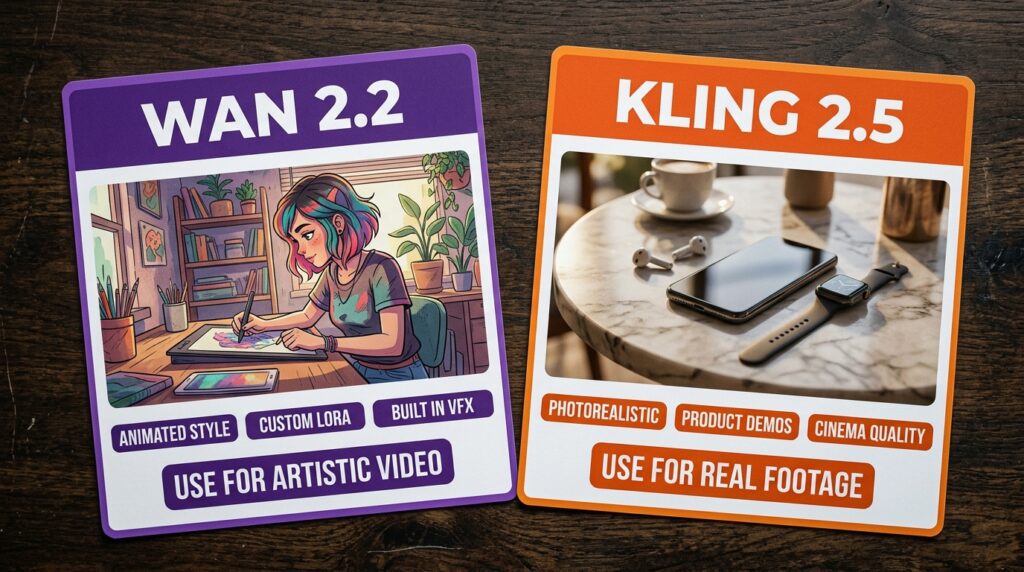
Use wan 2.2 AI video for artistic content and Kling for cinematic realistic footage.
Wan for artistic, animated, and branded video content where you control the visual style. Kling for anything that needs to look like it was filmed by a real camera. GFXToolz AI Studio gives you both — select from the same dropdown.
For the complete Kling guide with prompts, see Kling 2.5 AI Video: Create Pro Videos Without a Camera.
How to Access Wan 2.2 AI Video on GFXToolz
- Sign up at gfxtoolz.ai. Free tier available, no credit card required. Basic at ₹423/month, Standard at ₹550/month, Premium at ₹846/month.
- Log into your dashboard and click AI Studio.
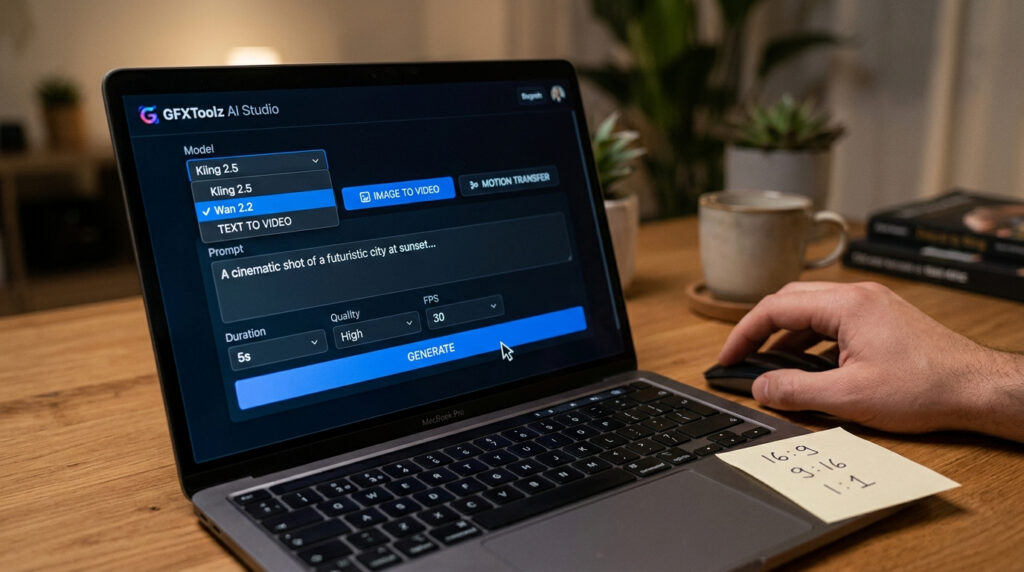
- Select Wan 2.2 from the model list. Kling 2.5 is visible in the same list — switch between them based on the video type you need.
- Choose your generation mode: Text-to-Video, Image-to-Video, or Motion Transfer.
- Write your prompt. For Wan, describe the visual style explicitly — “Ghibli-style animation,” “cel-shaded 2D illustration,” “watercolour animation” significantly shape the output. Wan responds to style direction in a way Kling doesn’t need.
- Set parameters: aspect ratio (16:9 for YouTube and blog embeds, 9:16 for Instagram Reels, 1:1 for Instagram feed), duration (5 or 10 seconds), resolution (720p or 1080p).
- Click Generate. Wan produces results in 2–3 minutes depending on complexity.
- Download. Open-source licence means commercial use is permitted.
Setup takes under 5 minutes to start generating with wan 2.2 AI video on GFXToolz
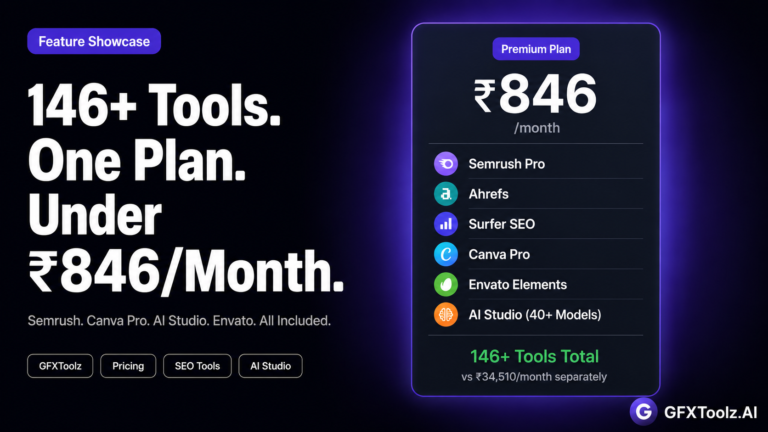
Pricing note: Direct API access to Wan costs $0.63–0.94 per video generation. At 10 videos per day, that’s ₹500–750 per day. GFXToolz Premium at ₹846/month gives you ongoing Wan access alongside Kling, Nano Banana, Flux, Semrush, Ahrefs, and 140 other tools — fixed monthly cost, no per-video charges.
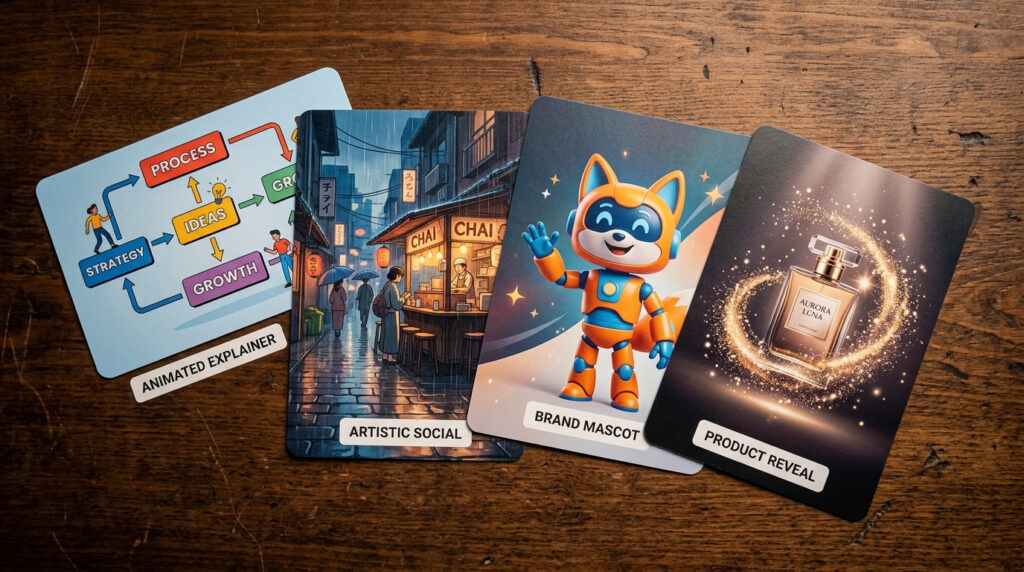
4 Video Types Wan 2.2 AI Video Does Best
1. Animated explainer videos
Turn concepts, processes, and ideas into visual stories without animation software, a designer, or a production team.
Prompt:
2D flat animation style. A flowchart diagram comes to life frame by frame. Arrows animate between rounded boxes with icons. A progress bar fills from left to right across the bottom. Clean white background with blue and teal accents. Each box has a small icon that pops in with a bounce effect. Educational, professional tone. 16:9 format. 10 seconds.
Use for: Blog post embedded explainers, online course content, client presentations, service explainer pages.
Why Wan wins here: Kling treats everything like camera footage. A flowchart animated in Kling looks like someone filmed a whiteboard. Wan’s 2D animation output for this prompt looks like designed motion graphics. Same prompt, genuinely different results.
2. Artistic social media content
Stand out from realistic-video-heavy feeds by using a distinct artistic style nobody else is posting.
Prompt:
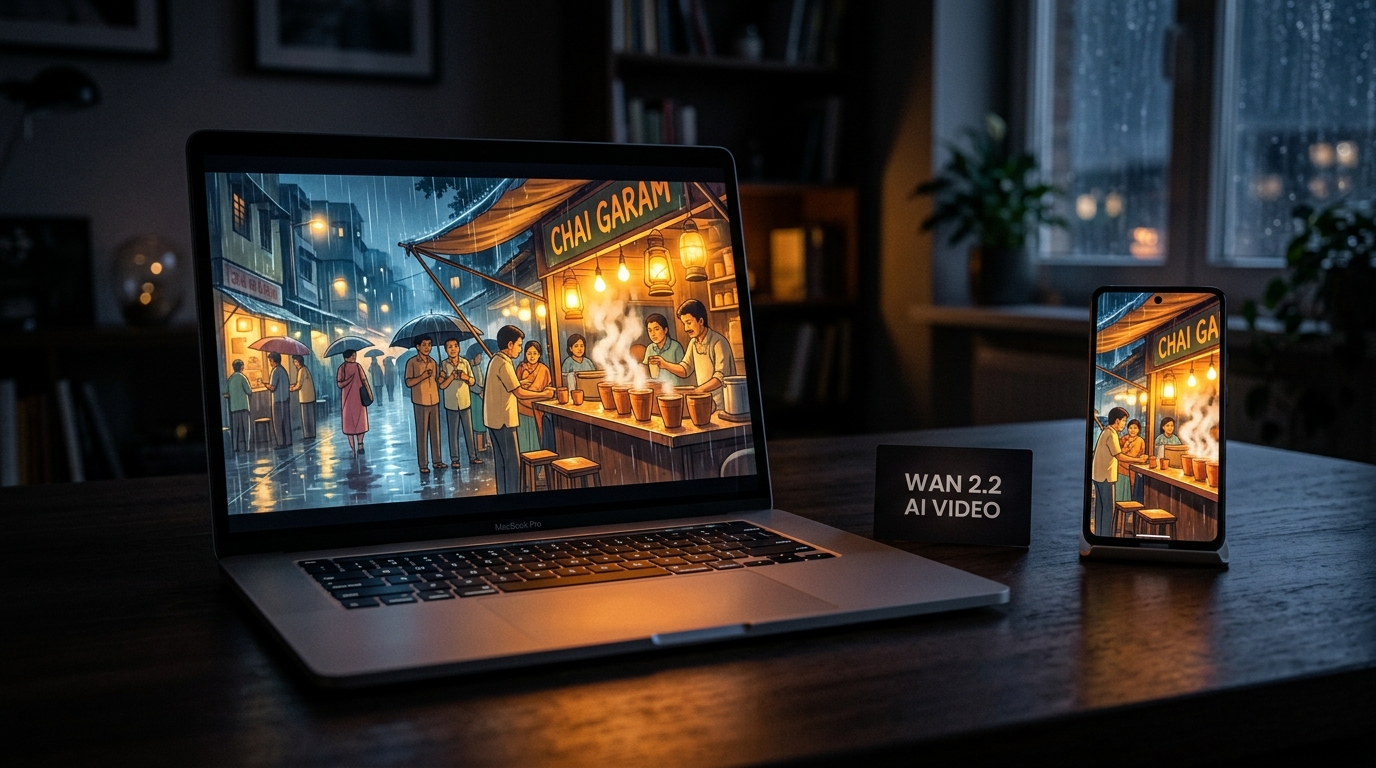
Studio Ghibli-style animation. A cosy chai stall on a rainy Mumbai street in the evening. Steam rising slowly from clay kulhad cups on the counter. Rain falling on a tin roof. Warm golden-orange light glowing from inside the stall. A small cat sitting on the counter watching the rain. Gentle, dreamy motion. Nostalgic and warm mood. 9:16 vertical format. 10 seconds.
Use for: Instagram Reels, YouTube Shorts, brand storytelling content, any social video where visual uniqueness matters.
Why Wan wins here: Ask Kling for Ghibli-style output and you’ll get a realistic cafe scene that feels like stock footage. Wan handles anime, watercolour, and cel-shaded styles with genuine consistency. The artistic style direction is where Wan’s training and style flexibility separate it from cinematic-focused models.
Artistic social content is where wan 2.2 AI video beats every other model available
3. Brand mascot animation
If your business has a visual mascot — an illustrated character, an animal, a stylised figure — Wan can animate it from a single reference image.
How to set it up:
- Open Wan in Image-to-Video mode
- Upload your mascot illustration as the input image
- Write a motion prompt: “The mascot waves hello with its right hand, smiles, and holds up a product box”
- Generate
Wan animates the character while preserving the exact visual style of the original illustration. The mascot stays in your design language — it doesn’t drift into a generic AI style.
Advanced with LoRA: Train a LoRA model using 10–20 images of your mascot in different poses and contexts. After training, Wan can generate new videos of your mascot in any scene you describe, with consistent visual identity across every video. “The mascot presenting your new product against a Diwali backdrop” or “the mascot explaining your service on a website mockup” — same character, different context, every time.
Use for: Website hero animations, social media character-driven content, email marketing animated GIFs, brand onboarding videos.
4. Stylised product reveals
Premium product launch videos that feel designed rather than filmed.
Prompt:
Elegant slow-motion product reveal. A perfume bottle with an ornate gold cap materialises gradually from glowing golden particles against a deep black background. Soft bokeh light circles surround the bottle. The bottle rotates very slowly showing all sides. Delicate wisps of smoke curl around the base. Fine golden sparkle particles drift upward. Luxury commercial aesthetic. Dark gold and black colour palette. 16:9 format. 10 seconds.
Use for: Product launch campaigns, premium e-commerce hero videos, brand campaign content, D2C brand social media.
Why Wan wins here: Wan has built-in particle effects, smoke, and glow that generate as part of the video rather than requiring compositing. Getting this quality of product reveal from Kling would require post-production work. Wan generates it from the prompt.
For using product videos in your e-commerce SEO strategy, see the E-Commerce SEO Guide in this series.
Product reveals with particle effects are a core strength of wan 2.2 AI video
Wan 2.2 AI Video LoRA Style Training Guide
No other major AI video model offers this. Not Kling. Not Sora. Not Runway.
What LoRA is: LoRA (Low-Rank Adaptation) is a lightweight training method that teaches an AI model your specific visual style using 10–20 reference images. Instead of retraining the entire model (which requires massive compute), LoRA teaches it your specific style patterns efficiently.
How it works with Wan:
- Collect 10–20 images representing your brand’s visual style — product photos, brand illustrations, your mascot in different poses
- Upload them as a LoRA training set
- Wan learns your colour palette, illustration style, character proportions
- Every video Wan generates now reflects your brand’s visual identity
Style blending: Wan lets you blend multiple LoRA styles using sliders. Example: 70% your brand’s illustration style + 30% Studio Ghibli animation = a branded artistic style that’s distinctly yours, generated on demand.
Why this matters for Indian D2C brands: A clothing brand in Jaipur can create 20 product videos that all feel like they came from the same studio. A food startup can train Wan on their food photography style and generate consistent content for every product launch. A service business can train Wan on their icon set and generate animated explainers that match their exact brand design system — without hiring an animator.
LoRA style training is the most distinctive capability wan 2.2 AI video offers.
Wan 2.2 AI Video Built-In Visual Effects
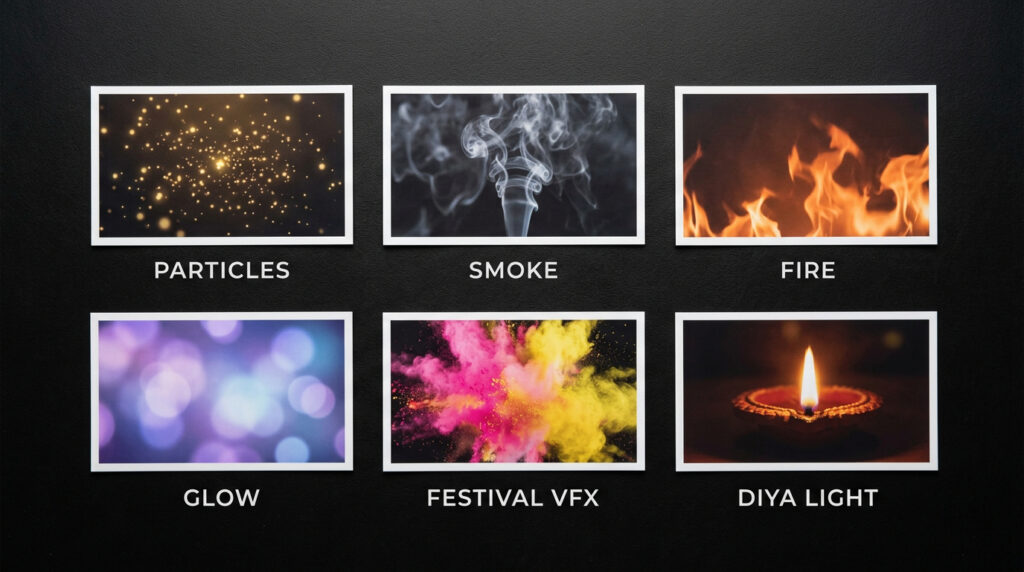
Wan generates VFX that other models can’t produce and that traditional video production requires expensive software to create.
Fire and flame: Campfire, torchlight, festival diyas — physically consistent flame behaviour without compositing.
Smoke and atmospheric haze: Product photography smoke wisps, atmospheric haze for dramatic scenes, incense smoke for wellness content.
Particle effects: Sparkles, floating dust motes, snow, golden particles for luxury aesthetics, festival colour powder for Holi content — all through text description.
Glow and bloom: Soft light effects for dreamy, premium, or magical aesthetics. Backlit product glow, neon light bloom, candlelight warmth.
Global illumination: Realistic light bounce that makes animated scenes feel three-dimensional even when the visual style is 2D illustration.
For Indian festival content: Diwali sparklers and diya light, Holi colour powder explosions, Independence Day firework effects, Navratri garba energy — achievable through prompt descriptions without post-production software.
Built-in VFX removes the need for After Effects when using wan 2.2 AI video.
Wan vs Sora vs Runway: cost comparison for Indian users
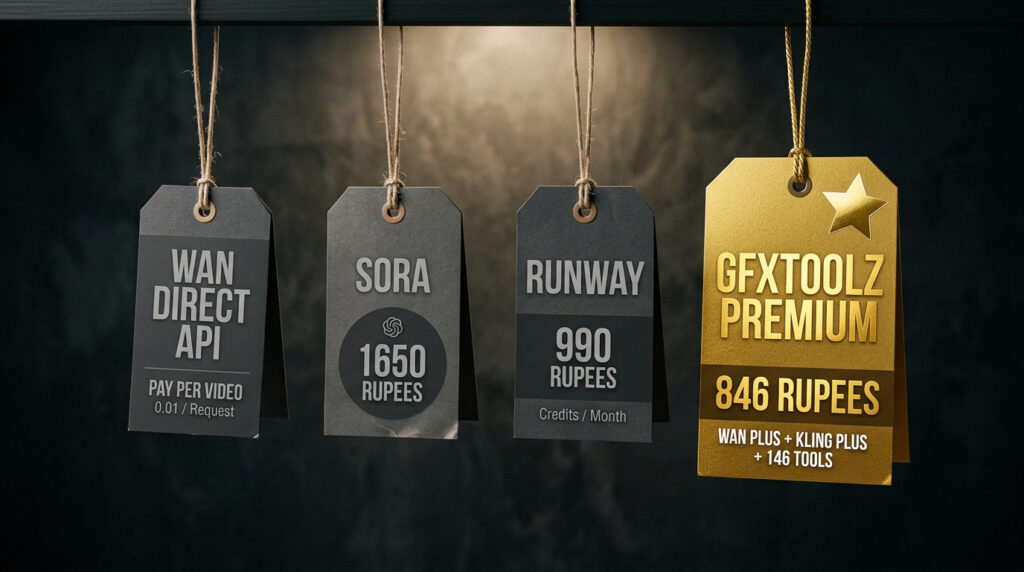
| Feature | Wan 2.2 (direct API) | Sora 2 (OpenAI) | Runway Gen-4 | GFXToolz Premium |
|---|---|---|---|---|
| Monthly cost | $0.63–0.94/video | $20–$200/month | $12–$76/month | ₹846 (~$10) |
| INR equivalent | Pay-per-use | ₹1,650–₹16,500 | ₹990–₹6,300 | ₹846 |
| Custom style (LoRA) | Yes | No | No | Yes (via Wan) |
| Built-in VFX | Yes (fire, smoke, particles) | No | No | Yes (via Wan) |
| Motion transfer | Yes | No | No | Yes (via Wan) |
| Open source | Yes (Apache 2.0) | No | No | Access via platform |
| Image tools | No | GPT Image only | No | Nano Banana + Flux |
| SEO tools | No | No | No | Semrush + Ahrefs + 140+ |
GFXToolz Premium at ₹846/month is the only option in this table that combines Wan’s artistic capabilities with Kling’s cinematic realism, Nano Banana’s illustration generation, Flux’s photorealism, and professional SEO tools. Every other option gives you one type of video generation and nothing else.
FAQ
Is Wan AI video free to use on GFXToolz? GFXToolz’s free tier includes limited AI Studio access for testing. Basic at ₹423/month and Premium at ₹846/month provide regular Wan access alongside Kling, Nano Banana, Flux, Semrush, Ahrefs, and 146+ other tools. Direct API access costs $0.63–0.94 per video with no other tools. The free tier lets you test wan 2.2 AI video before committing to a paid plan
What’s the difference between Wan and Kling on GFXToolz? Wan excels at artistic, animated, and stylised video with LoRA custom style training and built-in VFX. Kling excels at cinematic, photorealistic video that looks like real camera footage with professional camera controls and longer duration clips (up to 3 minutes). Both are in GFXToolz AI Studio — choose based on the visual style the project needs. Wan 2.2 AI video excels at artistic styles while Kling excels at cinematic realism.
Can I train my own visual style on Wan? Yes — wan 2.2 AI video LoRA training is available to train your brand style. You can then blend your trained LoRA with other styles using sliders. Kling, Sora, and Runway don’t offer this.
What video resolution does Wan 2.2 support? Wan 2.2 generates native 1080p. Later versions (2.6, 2.7) added native audio sync and extended clips to 15 seconds. GFXToolz AI Studio provides access to the latest available Wan version.
Can I use Wan-generated videos commercially? Yes. Wan is open-source under Apache 2.0, which explicitly permits commercial use. Videos generated through GFXToolz can be used for product pages, social media campaigns, client work, and marketing materials.
Wan 2.2 AI Video: The Bottom Line
Kling is the right tool for content that needs to look filmed. Wan is the right tool for content that needs to look designed — animated, artistic, branded, with effects no other model generates natively.
LoRA style training with 10 images. Built-in fire, smoke, and particle effects. Motion transfer from reference video. Ghibli-style animation, watercolour aesthetics, cel-shaded illustration. These aren’t niche capabilities — they’re the things Indian creators currently pay animators and post-production teams for.
GFXToolz Premium at ₹846/month includes Wan alongside Kling, Nano Banana, Flux, Semrush, Ahrefs, and 140+ other tools.
Open AI Studio, select Wan, and try the Ghibli-style chai stall prompt. You’ll see in 3 minutes what this model actually does.
Wan 2.2 AI video is the right tool when your content needs to look designed not filmed
Start free at gfxtoolz.ai.
Also read:
- Kling 2.5 AI Video: Create Pro Videos Without a Camera
- Meet Nano Banana: GFXToolz’s Proprietary AI Image Generator
- E-Commerce SEO Guide: Ranking Your Online Store in 2026

Leave a Comment